




This is a preview of updates coming to the Technical Bulletin's website in April 2026. Return to current site.
Read more about the modernization release schedule in this announcement.
Comment via the yellow feedback button in the lower right hand corner of the page. Contact the NLM Help Desk with any questions or concerns.
This is archived content.
Links may have become inactive over time. Visit Archive-It to find the original published layout.
PubMed® Display Enhanced with Images from the New NCBI Images Database
Canese K. PubMed® Display Enhanced with Images from the New NCBI Images Database. NLM Tech Bull. 2010 Sep-Oct;(376):e14.
October 22, 2010 [posted]
October 29, 2010
[Editor's note added]
July 20, 2011
[Editor's note added]
[Editor’s Note added July 20, 2011: The Images database no longer exists as a separate database. Images in PubMed Central® articles may now be searched via PubMed Central. For more details, please see "A Brand New Look for PubMed Central".]
[Editor’s Note added October 29, 2010: This change was implemented in PubMed on October 27, 2010 and the Images database was also released on October 27, 2010.]
The PubMed Abstract display for PubMed Central articles will be enhanced to include an image strip generated from the soon-to-be-released National Center for Biotechnology Information (NCBI) Images database (see Figure 1).
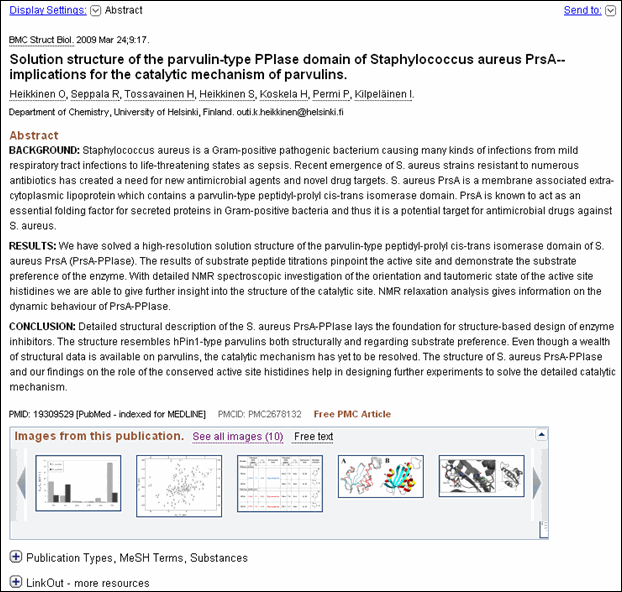
The image strip will display thumbnails of the article's first several images. The image strip will also include a See all images link to display all the article's images in the Images databases, as well as a Free text link to the article. Right and left arrows on each end of the strip will allow you to rotate through the images.
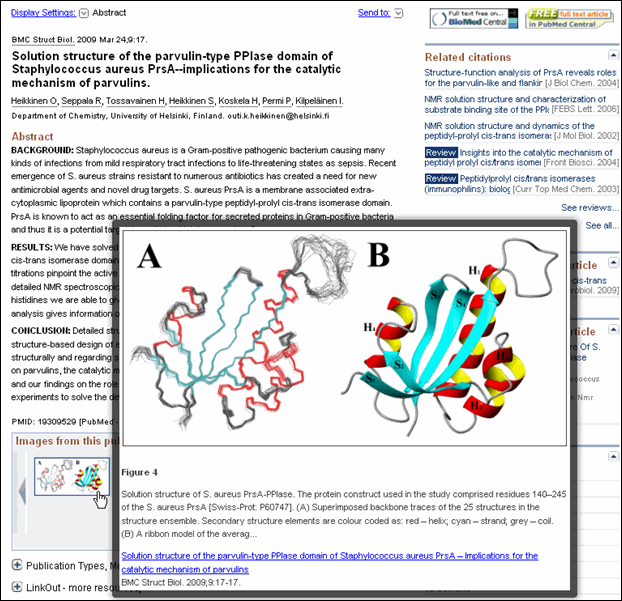
Mousing over an image in the image strip will generate a preview display of the image with its figure caption (see Figure 2). Click on the image in the image strip, or the mouseover preview display, and go directly to the figure's page in PubMed Central.
Images Database
The Images database will allow you to search millions of scientific images from NCBI full text resources; the database initially includes images from PubMed Central (see Figure 3).
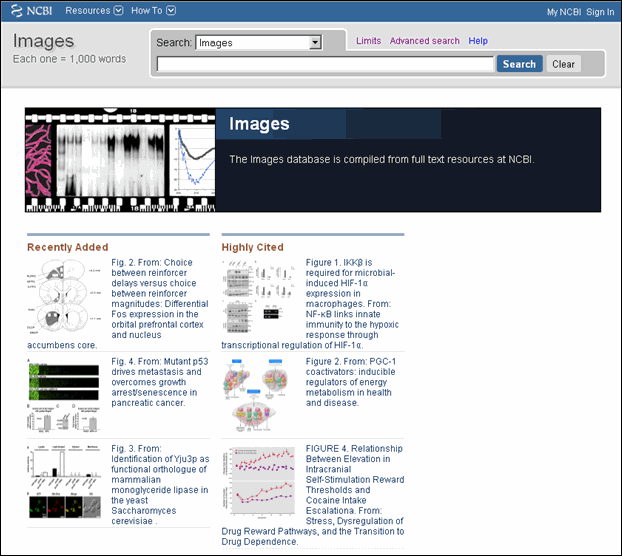
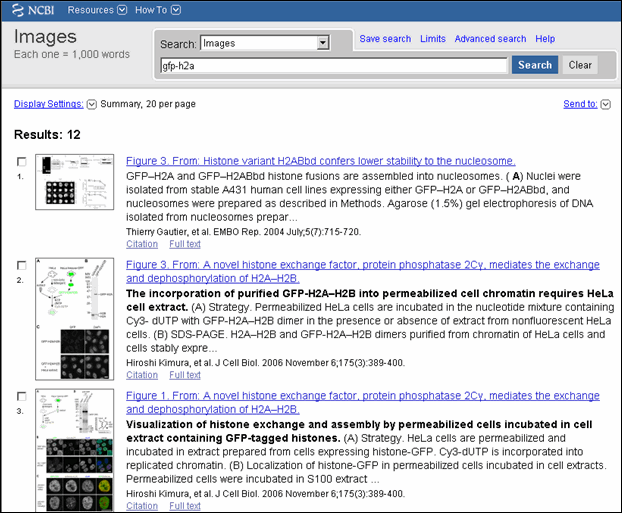
You will be able to search the Images database with terms or detailed search parameters, such as image height, width, and caption. The complete list of search fields is available from the Images Advanced search page. Image results initially display in a summary format (see Figure 4) but may also be viewed in a thumbnail display. Retrieval display order is based on a relevancy algorithm.
My NCBI preferences will be updated to allow you to change your Image database default display to Thumbnail.